
Want to use it now?
Open the browser generator
Create and edit online through this hosted workflow without downloading model files or configuring a local GPU.
Open the WebUIA refreshed brand experience: Welcome to OXVODO.com · Create your next AI videoMeet the new OXVODO.com
Qwen Image 3 browser access
Use the Qwen Image 3 generator and editor without a local install. Create text-rich posters, realistic scenes, interfaces, and reference-guided edits from one browser workflow.
Browser generator
Start with Qwen Image 3 already selected. Write a prompt for generation, or add reference images to open the compatible editing workflow.
Open-source status
The Qwen Image family has public earlier releases, but Qwen-Image-3.0 is currently presented by Qwen and Alibaba Cloud as an online and limited-preview API model. The official launch and API documentation do not list downloadable 3.0 weights.
Want to use it now?
Create and edit online through this hosted workflow without downloading model files or configuring a local GPU.
Open the WebUINeed official 3.0 access?
Alibaba Cloud documents Qwen-Image-3.0 Pro for text-to-image and editing with one to three reference images.
View official API statusNeed open weights?
Qwen’s public repository lists downloadable earlier checkpoints such as Qwen-Image-2512 under its open Qwen-Image project.
Explore official open weightsOpenSora 2 is an independent hosted service. It is not the official Qwen website and does not claim that Qwen Image 3.0 weights are open source.
Qwen Image 3 generator examples
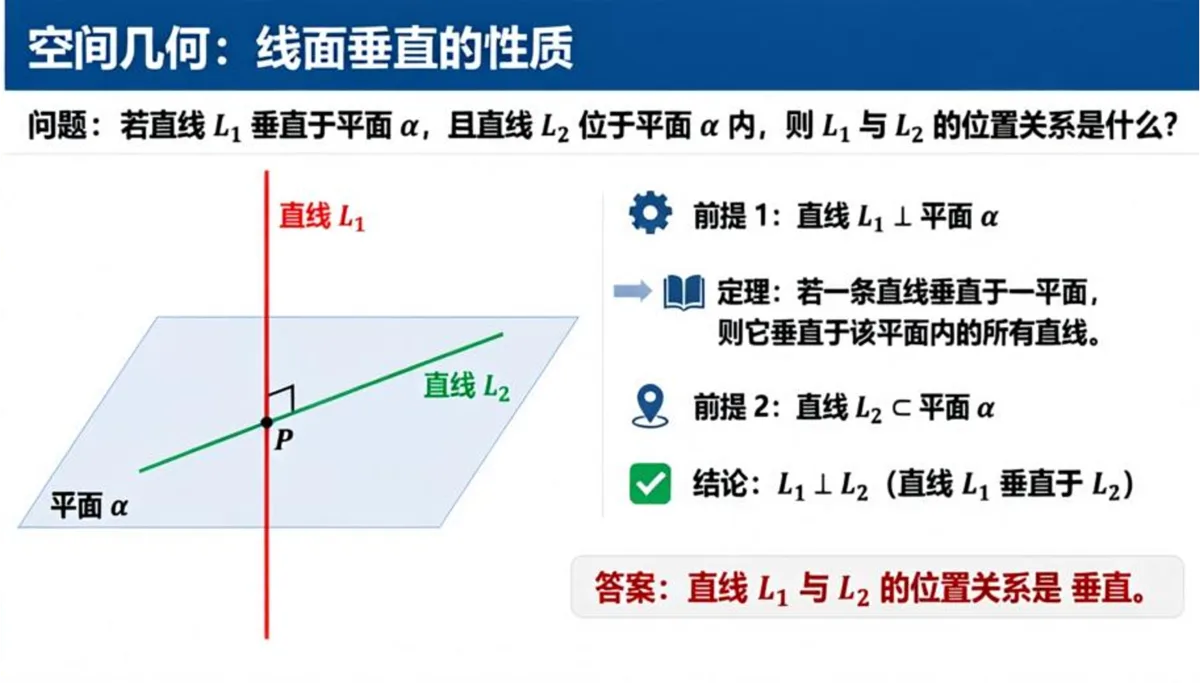
Capability 1
Qwen-Image-3.0 is designed to follow information-dense instructions and organize them into coherent layouts. Use it for educational graphics, product explainers, storyboards, and other images where structure matters as much as style.
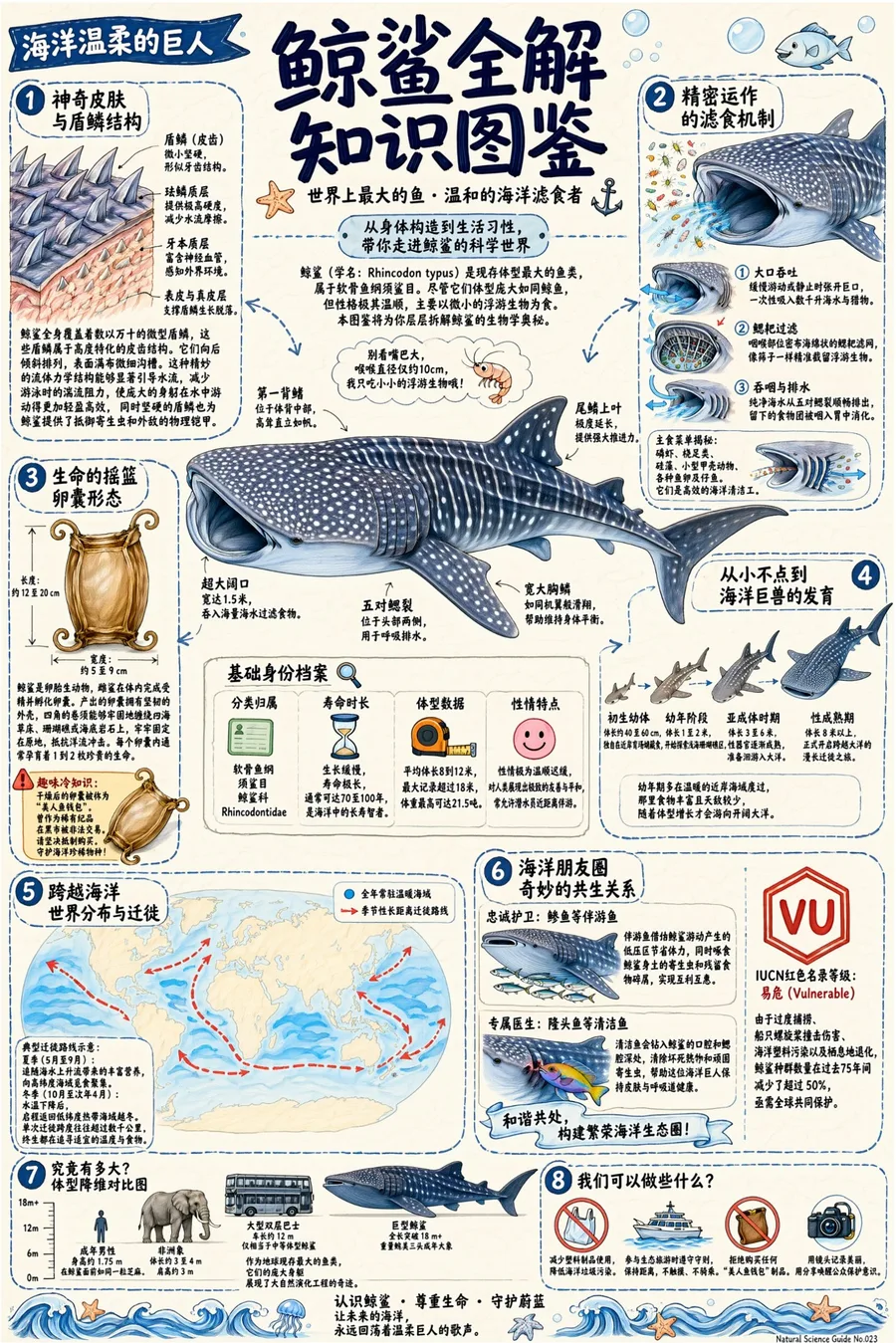
Capability 2
The official release highlights rendering for small text, multilingual copy, and mixed typography. That makes Qwen Image 3 especially relevant for posters, menus, packaging concepts, diagrams, and social graphics—not only decorative art.
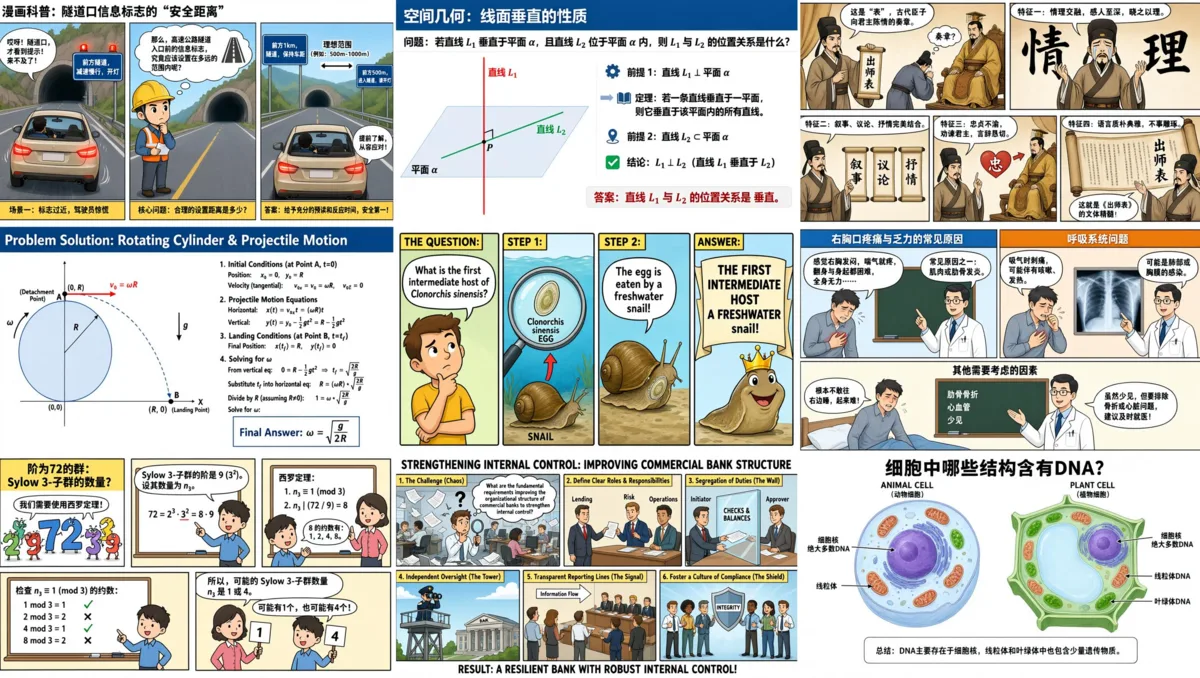
Capability 3
Generate interface concepts, infographics, comics, teaching materials, and information-heavy compositions. Qwen says the model combines stronger world knowledge with more than 100 visual and interface styles.
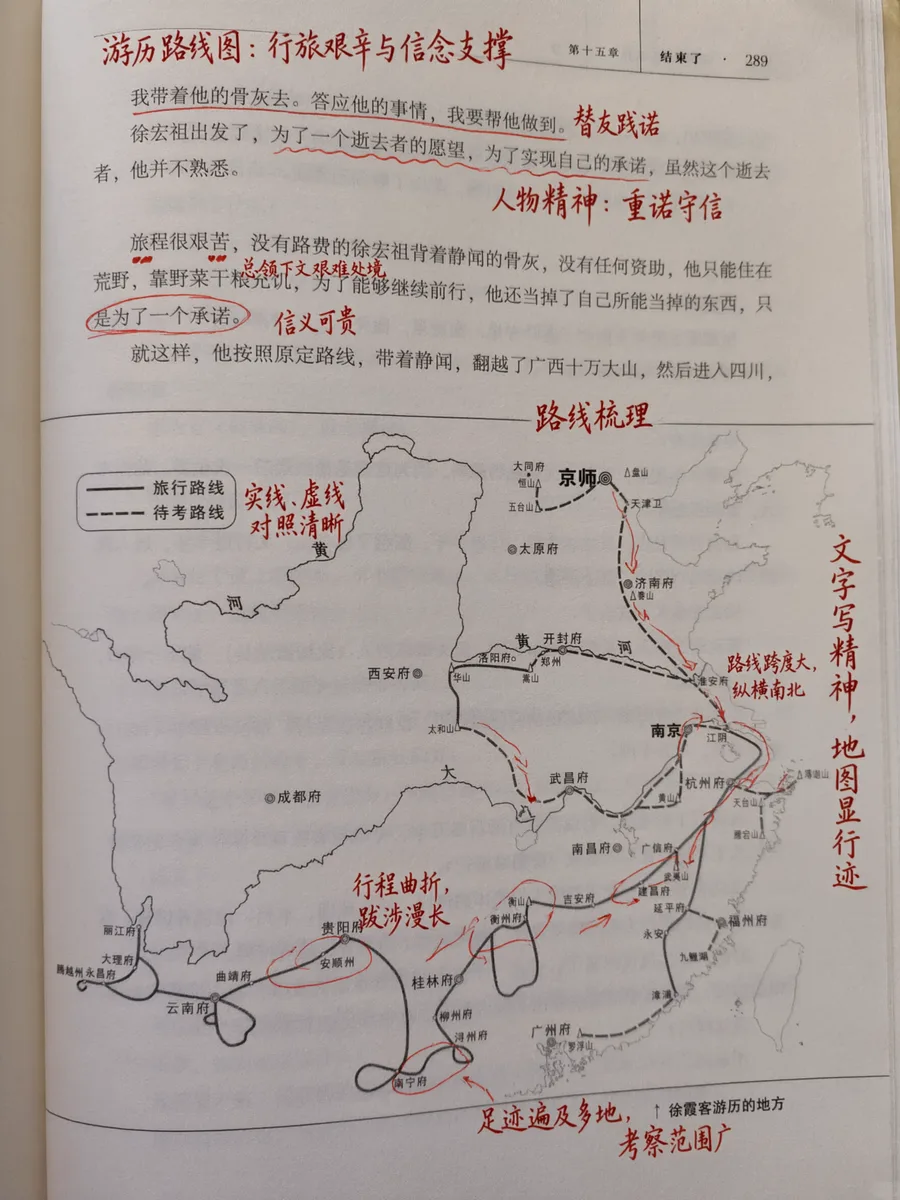
Capability 4
Switch from text-to-image to image editing by adding references. The current workflow supports one to three source images, helping you preserve a subject, borrow a visual direction, or revise an existing composition.
Capability overview
Qwen’s release focuses on combining visual quality with instruction following, typography, knowledge, and editable inputs.
Turn detailed briefs into organized posters, panels, diagrams, and multi-part scenes.
Create multilingual visual copy with broad font and style coverage.
Designed for readable labels, captions, interface text, and small typographic elements.
Useful for explainers, educational graphics, UI concepts, and information design.
Start from a prompt or transform existing images with reference-guided instructions.
Choose a supported aspect ratio and output scale for your intended placement.
Capability claims and showcase media are based on the official Qwen-Image-3.0 release and Alibaba Cloud model documentation.
How it works
Describe the subject, composition, visible text, style, lighting, and intended use in one clear prompt.
Choose Qwen Image 3, select an aspect ratio and resolution, and upload up to three images when editing.
Review the result, download the useful version, or revise your instructions and generate another variation.
Free users can generate once per day. OpenSora generations cost 20 credits; paid plans remove the daily limit.
Cancel anytime • Unused credits roll over
Card and wallet details are processed by the selected payment provider. OpenSora 2 does not receive or store your full card number.
Your total, currency, and renewal terms are shown before payment. OpenSora 2 adds no undisclosed platform fees; bank, tax, or currency conversion charges may apply.
Payment method availability varies by region, device, currency, and provider eligibility.
Clear answers before you buy credits or choose a plan.
Each generation shows an estimated credit cost before you submit. Model choice, duration, resolution, references, and audio can change the final cost.
Failed jobs may be restored automatically depending on the failure path. If credits are not restored, send the task ID and account email to support so we can review the logs.
Unused credit packs and recent subscription charges can be reviewed case by case. Used credits, successful generations, and abused promotions are generally not refundable. See the Refund Policy for details.
Paid users can keep generations private by default and download without a branded watermark where the selected workflow supports it. Free generations may be public and watermarked.
Paid workflows are designed for ads, product pages, social posts, and commercial campaigns. You are still responsible for rights to uploaded assets, prompts, people, logos, and brand materials.
Yes. Subscriptions can be canceled from account settings or through the payment provider where available. Canceling stops future renewal but does not automatically refund past usage.
For complete details, review the Refund Policy, Terms of Service, and Privacy Policy before checkout.
Questions answered
That search usually means either a browser-based way to use the model or information about its open-source availability. This page provides an independent online generator and clearly separates hosted access from the status of official model weights.
Qwen’s Qwen-Image-3.0 launch and Alibaba Cloud documentation currently describe online and API preview access, but do not announce downloadable Qwen Image 3.0 weights. Earlier Qwen-Image checkpoints have public weights in Qwen’s official repository, so do not confuse those releases with Qwen Image 3.0.
Use the generator on this page, enter a prompt, choose Qwen Image 3 and your output settings, then generate. The workflow runs in your browser and does not require a local model installation.
Yes. This page provides an independent browser WebUI for Qwen Image 3 generation and editing. It includes prompts, reference-image upload, aspect-ratio and resolution controls, credit estimates, and access to your creation history.
You can sign in to use available starter credits when offered. Every generation shows its live credit cost before submission, so you can confirm the price before creating. Additional credits are available through the pricing plans on this page.
Yes. Add one or more source images in the generator and describe the change you want. The interface automatically switches from text-to-image to the compatible image-editing workflow.
The Qwen Image 3 editing workflow supports up to three reference images. JPEG, PNG, and WebP inputs are accepted, with a 10 MB limit per image.
The current generator exposes 1K and 2K output options with common square, portrait, and landscape aspect ratios. Available combinations can vary by the selected Qwen Image 3 model and mode.
Cost depends on the selected Qwen Image 3 model, mode, and resolution. The generator displays the exact credit estimate for the current settings, while the shared pricing table below is the source of truth for buying credits.
Not from an official Qwen Image 3.0 weight release at present. The official launch provides online and limited-preview API access. For local workflows, check Qwen’s official repository for earlier public Qwen-Image checkpoints and watch the official 3.0 channels for any future weight release.
No. OpenSora 2 is an independent creation service and is not affiliated with Alibaba or Qwen. The showcase images on this page come from Qwen’s official Qwen-Image-3.0 launch materials and are identified as such.
Keep creating
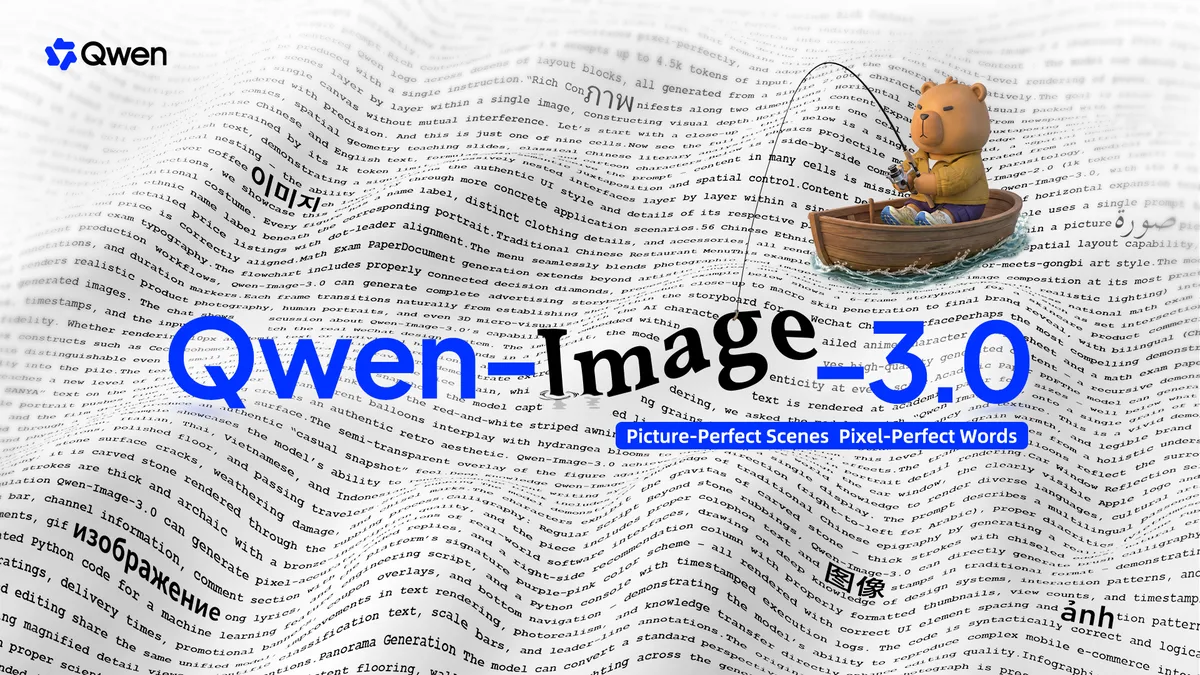
Compare Qwen Image 3 with other image models from one creation workflow.
ExploreUpload source images and make prompt-guided changes with supported editing models.
ExploreFind, review, and download the images you generated from your account.
ExploreCompare credit packs and subscriptions before choosing a generation plan.
ExplorePut Qwen Image 3 to work on the poster, interface, scene, or edit you already have in mind.
Launch the Generator